Creating documentation with Sphinx
Sphinx is a tool for creating documentation, especially for Python projects. It allows you to generate attractive and well-structured documentation from docstrings and RST files. Its ease of integration and customizability make Sphinx a popular choice for developers. If you’ve ever looked at the documentation for a Python project, you’ve probably stumbled across documentation generated with Sphinx.
I myself first came across it at gym-electric-motor. You can also get a first impression here. Incidentally, the rtd-theme is active here, which we will come back to in a moment.
I have noted down the workflow for generating the documentation. Lots of bullet points, not necessarily a lot of continuous text and not necessarily nice to read, but at least helpful to me every time i need to set it up.
Installation
- First, we activate the Python environment in which we want to install the package. Then we can install it with pip. I always install a specific theme:
pip install sphinx-rtd-theme. I simply like the look of it best.pip install sphinx pip install sphinx-rtd-theme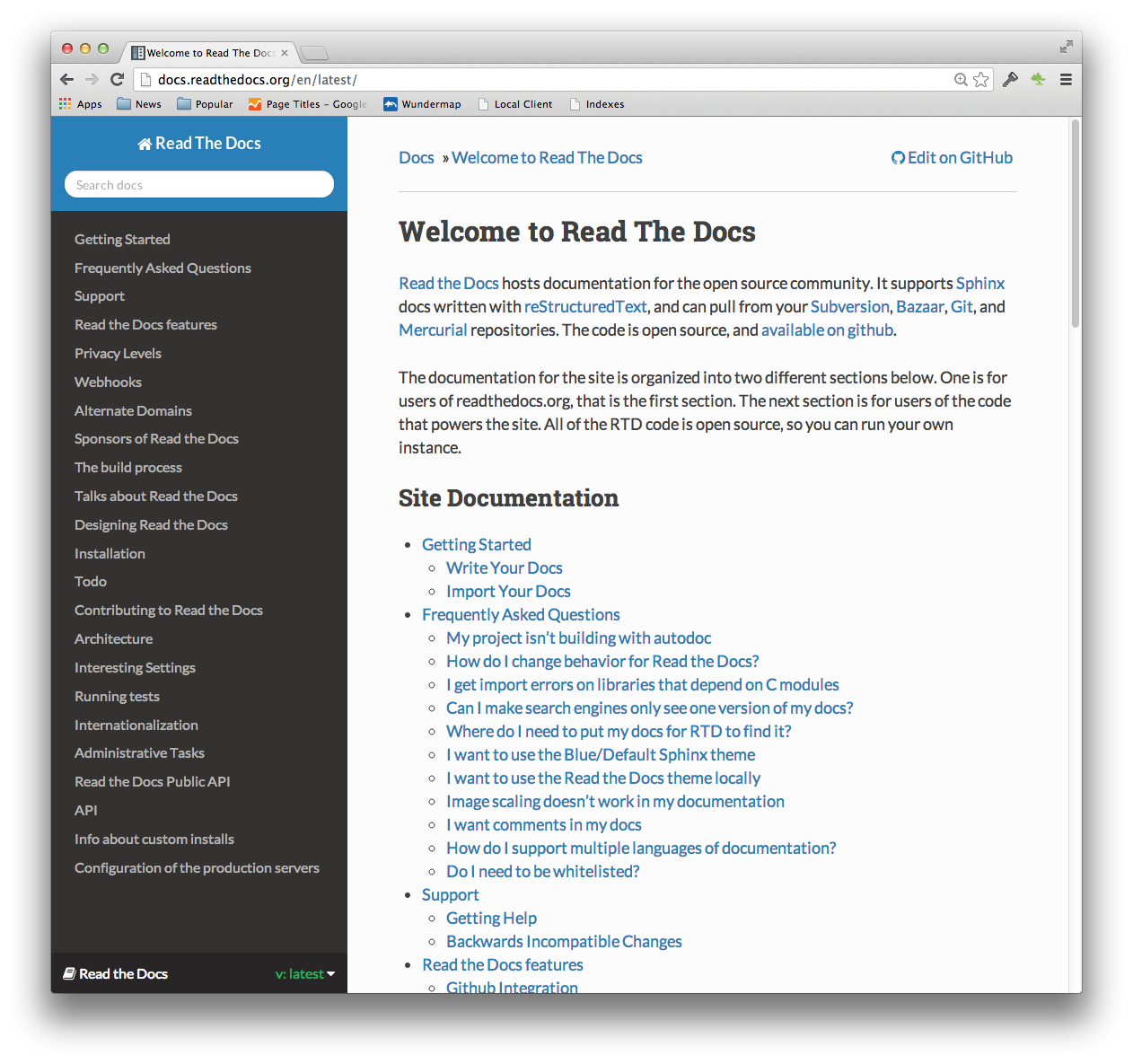 Source: Write the docs
 - There is a gallery with themes to choose the right look.
Preparing the modules
- For each package that is to be documented, a
__init__.pyfile must be created. The file can also be empty and remain so. - Alternatively, you can manually create the RST files that would otherwise be generated during the following process.
- Classes, functions, etc. should have docstrings, as these are automatically recognized by Sphinx and included in the documentation.
- They are not necessary, though.
- A docstring should contain certain information in order to fill the following documentation with information. I’m using the following pattern.
def_function_xyz():
    """
    [Summary]

    :param [ParamName]: [ParamDescription], defaults to [DefaultParamVal]
    :type [ParamName]: [ParamType](, optional)

    :raises [ErrorType]: [ErrorDescription]

    :return: [ReturnDescription]
    :rtype: [ReturnType]
    """
Sphinx Quickstart
- Now open a command prompt or terminal. In the terminal, navigate to the folder where you want to generate the documentation.
- Run
sphinx-quickstart. You will now be asked a few questions in the terminal. Just answer them. If you want to change your answers later, you can do so in the corresponding document.
Generating the API documentation
- Go back to the folder with the sources (to the level where Core, Extension, etc. is displayed).
- Run
sphinx-apidoc -o DOC/sphinx_doc/ ..- After
-o, enter the folder where the output should be saved. - The
.refers to the source directory containing your Python modules/packages to be documented. By default, it means “the current directory and all its subfolders.” You can also specify a different path if your source code is in another location.
- After
Adjusting the configuration
-
Open the
index.rstfile and add themodulesentry. -
Customize the
conf.pyfile:- Change the theme:
html_theme = 'sphinx_rtd_theme' - Enable extensions:
extensions = ["sphinx.ext.todo", "sphinx.ext.viewcode", "sphinx.ext.autodoc"]sphinx.ext.todoallows you to insert to-do lists.sphinx.ext.viewcodeallows you to display the source code.sphinx.ext.autodocallows you to automatically generate documentation from docstrings.- There are other extensions that may be useful.
- Change the theme:
-
Add the following to
conf.pyso that Sphinx can find the modules:import os import sys sys.path.insert(0, os.path.abspath('..'))Adding sys.path.insert(0, os.path.abspath(‘..’))is important so that Sphinx can find the modules if they are not located in the same directory as conf.py.
Creating the documentation
- Go back to the Sphinx Doc folder.
- Run
.\make.bat html(windows) ormake html(Linux/Mac).- Alternatively:
sphinx-build -M html sourcedir outputdir
- Alternatively:
- The
htmldocument will now be generated in the previously defined folder.
Summary
With Sphinx, you can quickly and easily create documentation that can also be used interactively. For example, you can search within it. It is important that functions, classes, etc. contain doc strings in order to generate the documentation. But these doc strings are rarely a bad idea, with or without Sphinx.